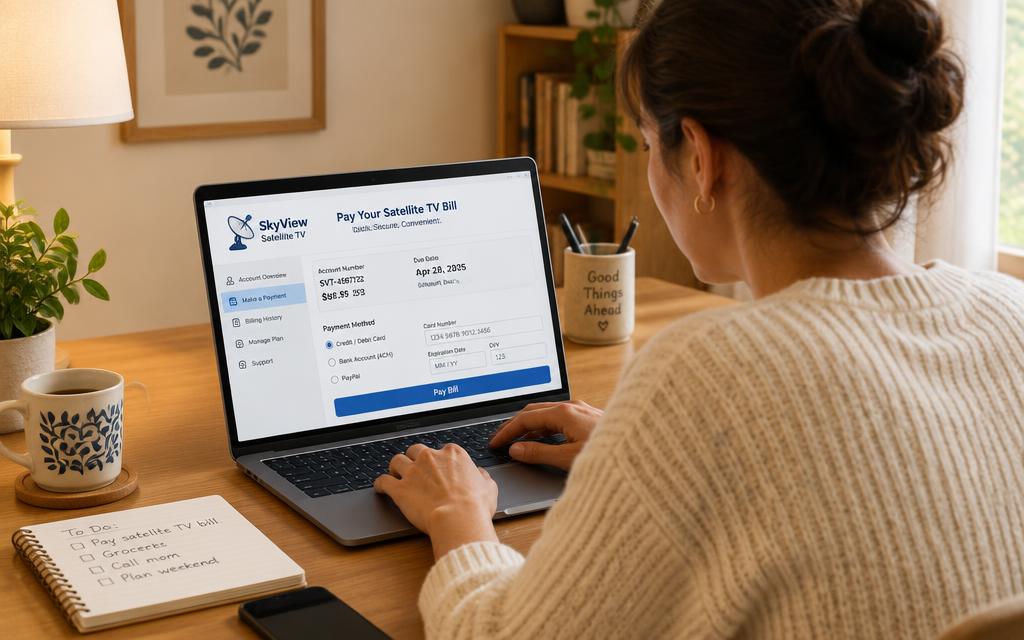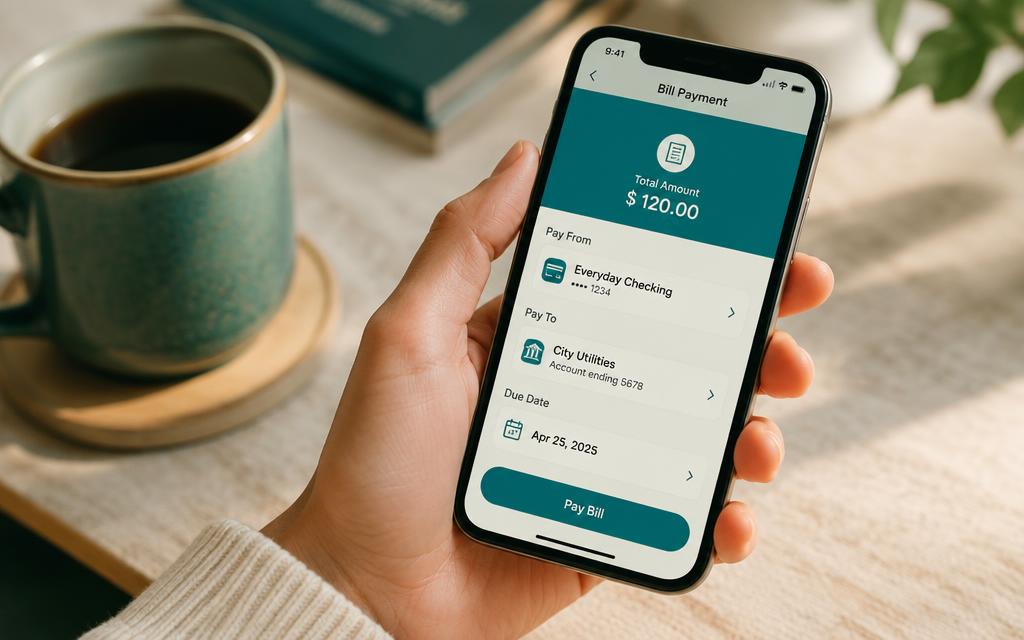
MultiChoice is the company; DStv is the service. Your bank lists the biller under MultiChoice, which is why searching 'DStv' sometimes returns nothing. Here is how to pay a MultiChoice account for DSTV through online banking.
How to pay MultiChoice account DSTV online banking: the steps
- 1
Search the biller as 'MultiChoice'
In your bank's biller list, type MultiChoice rather than DStv. Some banks show it as MultiChoice DStv.
- 2
Use your MultiChoice customer number
Your DSTV account number and MultiChoice customer number are the same thing. Use it as the reference.
- 3
Cover the whole account in one payment
Extra decoders, XtraView and add-ons all bill to the same account, so a single online payment settles everything.
- 4
Confirm on MyDStv
Check that the balance has cleared, then keep your proof of payment until it reflects.
Frequently asked questions
Why can't I find DStv in my bank's biller list?+
It is listed under MultiChoice. Search that instead.
Is the MultiChoice customer number the same as my DStv account number?+
Yes — the same number is used as the reference for any DSTV online payment.
Does one payment cover extra decoders?+
Yes, all decoders on the account are billed together.
Can I pay Showmax the same way?+
Showmax billed as part of your DStv account is covered by the same payment; a standalone Showmax subscription is paid by card.
Searches this guide answers
- how to pay multichoice account dstv online banking
- how to pay dstv online banking
- how to pay dstv account online