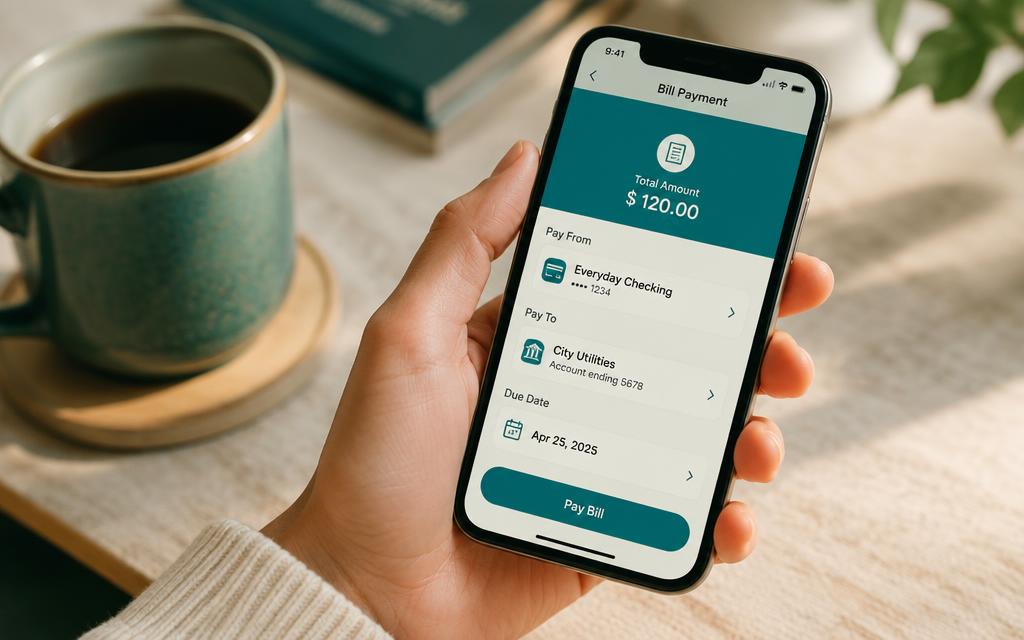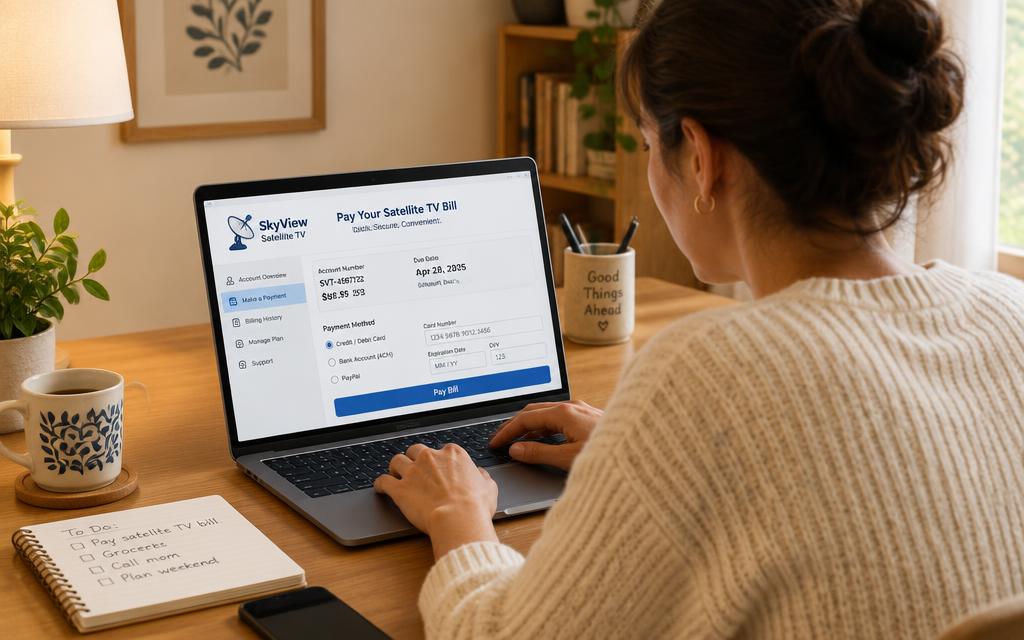
If you bank with Nedbank, you never need to visit a branch or an agent again. Learning how to pay DSTV online with Nedbank takes about three minutes the first time and roughly thirty seconds every month after that, because your bank saves the biller.
This guide walks through how to pay your DSTV online using the Nedbank Money app or Nedbank Online Banking, which reference number to enter, and what to do if the payment does not reflect on your decoder straight away.
How to pay DSTV online with Nedbank: the steps
- 1
Sign in to the Nedbank Money app or Nedbank Online Banking
Open the Nedbank Money app or Nedbank Online Banking and log in with your usual PIN, password or biometrics. Make sure the account you want to pay from has enough available balance for the full DSTV subscription amount — partial payments do not reactivate a decoder.
- 2
Find the MultiChoice biller
Go to Payments → Pay a beneficiary → Approved beneficiaries and search for MultiChoice. MultiChoice is a pre-approved biller at Nedbank, so you do not have to add bank account details manually — that is what keeps paying DSTV online safe.
- 3
Enter your DStv account number or ID number
In the reference field, type your DSTV account number (also called the customer number) exactly as it appears on your invoice. If you cannot find it, you can usually look the account up with the ID number of the person the DStv account is registered to.
- 4
Enter the amount and confirm
Type the amount due for your DSTV package — Access, Family, Compact, Compact Plus or Premium — then check the reference one last time and authorise the payment with your PIN, OTP or biometrics. Nedbank supports scheduled payments: choose Repeat this payment and set it monthly to keep your DSTV subscription active without thinking about it.
- 5
Keep your proof of payment and rescan
Save or email the proof of payment. Most decoders reactivate within a few minutes; if yours is still showing an error, press TV then hold the decoder's reset/rescan option, or reboot the decoder so it pulls a fresh authorisation.
Frequently asked questions
How long does it take to pay DSTV online with Nedbank?+
The transaction itself is instant. MultiChoice normally reactivates viewing within a few minutes of a successful Nedbank DSTV payment, and you should allow up to 24 hours over weekends and month-end peaks.
Can I pay DSTV online with Nedbank using my ID number?+
Yes. If you do not have the customer number to hand, most banking channels let you look up the account by the South African ID number linked to the DStv account, then pay it as normal.
Is there a fee to pay my DSTV online with Nedbank?+
MultiChoice does not charge you for paying your DSTV online. Your bank may apply its standard bill-payment or transaction fee, which depends on your account's pricing plan.
What if my Nedbank payment does not reflect on my DStv account?+
Check that the reference matches your DSTV account number exactly, then send your proof of payment to DStv self-service on WhatsApp or through the MyDStv app. Misreferenced payments sit unallocated until they are matched manually.
Can I pay my DSTV subscription online in advance with Nedbank?+
Yes — you can pay your DSTV subscription online in advance for several months in one transaction, and the credit simply sits on your account until each month is billed.
Searches this guide answers
- how to pay dstv online nedbank
- how to pay dstv online using nedbank
- how to pay dstv online with nedbank
- how to pay dstv acct online using nedbank