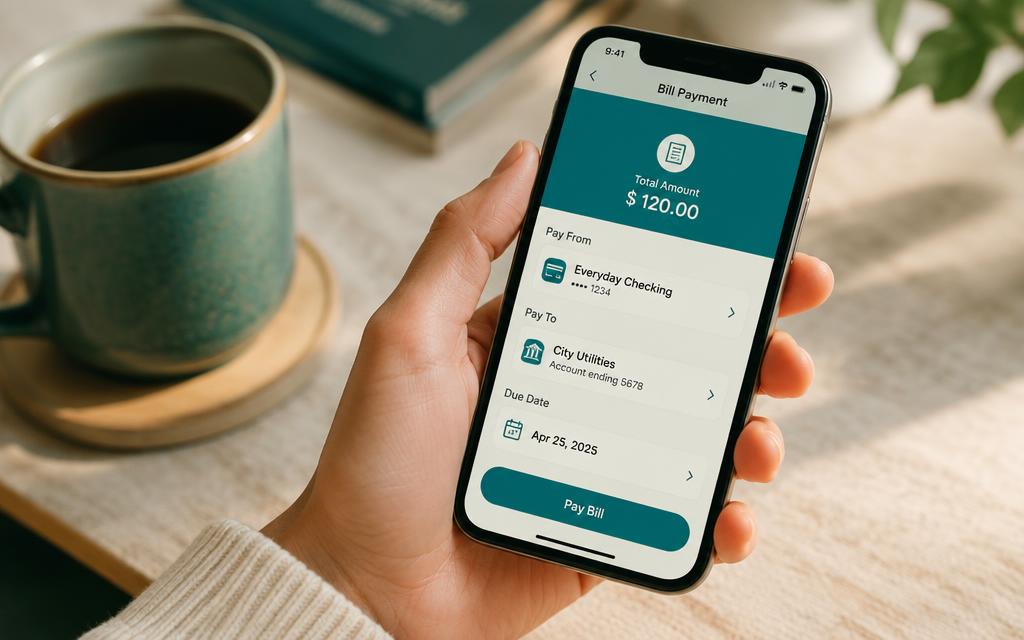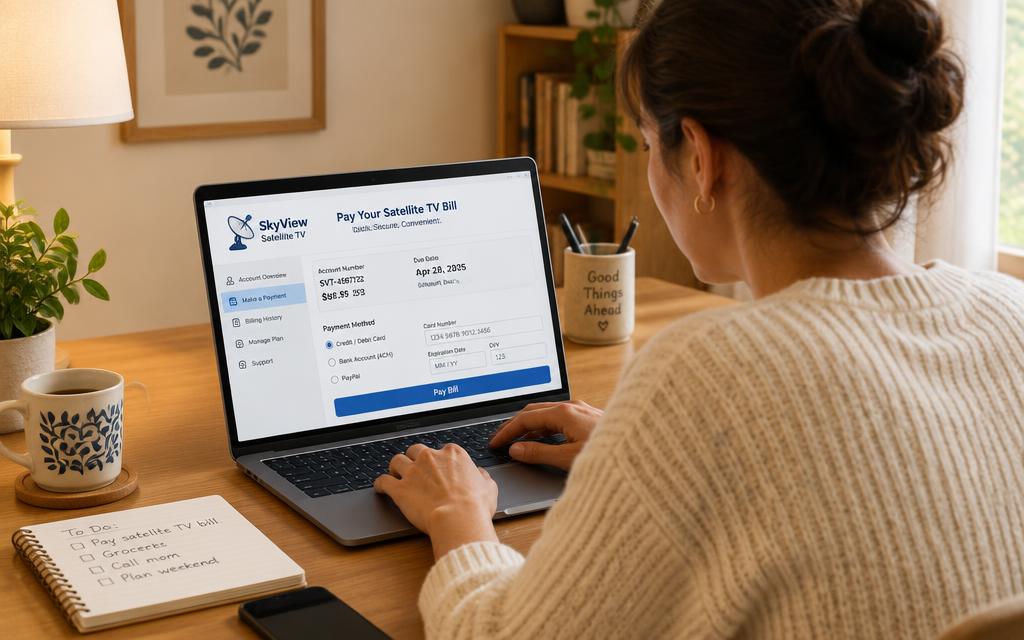
Every South African bank follows the same three ideas: find the biller, enter the reference, confirm the amount. Once you understand that, how to pay DSTV using online banking is the same skill at any bank.
How to pay DSTV online banking: the steps
- 1
Log in to your internet banking
Use the browser version or the app — both reach the same bill payment feature. Never use a link from an SMS or email to get there.
- 2
Open bill payments or public beneficiaries
Look for Bill Payments, Public Recipients, Prepaid & Bills or Approved beneficiaries, depending on the bank. Search for MultiChoice.
- 3
Enter your DStv reference
Type your DSTV account number into the reference field. This is the only thing linking your money to your decoder, so double-check it.
- 4
Confirm, authorise and save the beneficiary
Enter the amount, authorise, and save MultiChoice as a beneficiary so next month paying your DSTV online is two taps.
Frequently asked questions
Is it safe to pay DSTV through online banking?+
Yes. MultiChoice is a pre-approved biller at all the major banks, so you never enter account numbers manually and there is nothing to get wrong except the reference.
Which banks let me pay DSTV online?+
FNB, Capitec, Absa, Nedbank, Standard Bank, TymeBank, African Bank and Discovery Bank all carry the MultiChoice DStv biller.
Can I schedule a recurring DSTV payment in online banking?+
Most banks support a recurring or future-dated payment, which is a simple alternative to a debit order.
Do I need the DStv bank account details?+
No. Because MultiChoice is a listed biller, paying DSTV online needs only your account number as the reference.
Searches this guide answers
- how to pay dstv online banking
- how to pay for dstv using online banking
- how to pay multichoice account dstv online banking